Reach new clients
Show what you offer to people looking for support in your local area.
Show what you do. Connect with people coordinating care. Keep your working day a little more organised.
Free account concept · verification required before live services
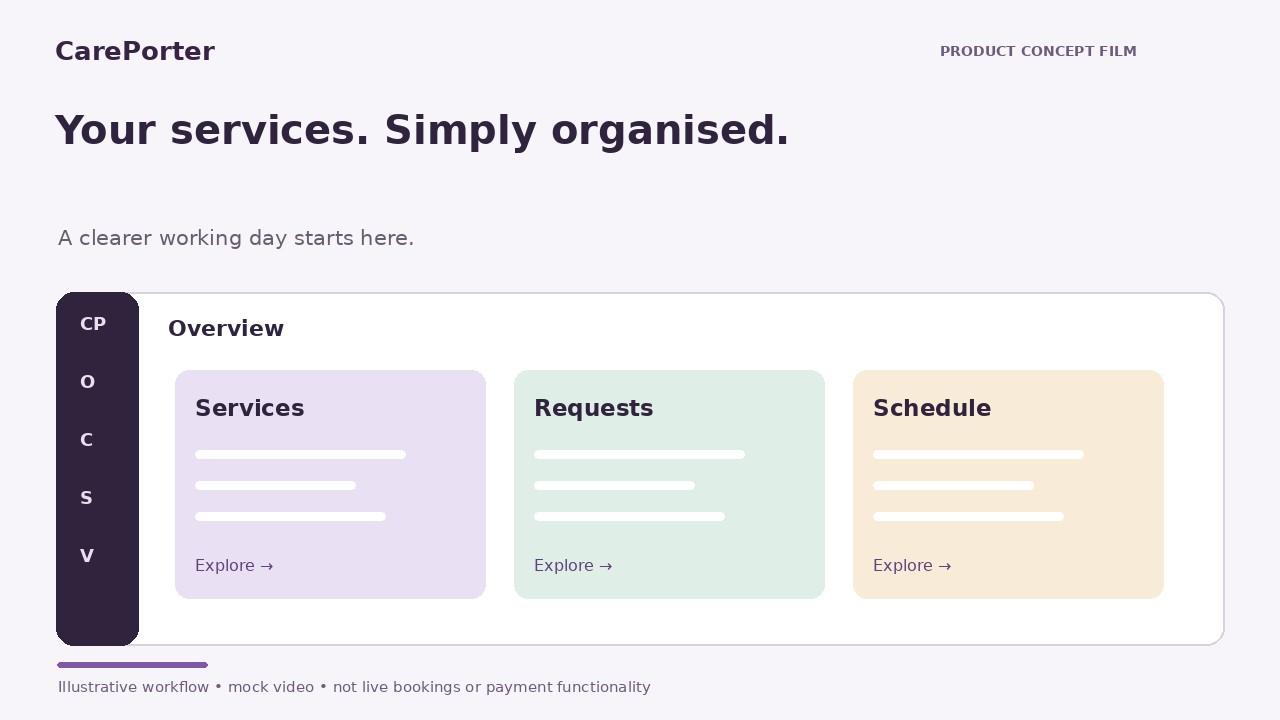
Explore all 14 Support at Home service categories in our current catalogue. Start with what your business delivers; applicable checks and funding eligibility depend on the service.
 Illustrative image
 Illustrative image
Show what you offer to people looking for support in your local area.
Introduce your services to Home Care Providers and the Care Partners coordinating support for their clients.
Keep your business profile, verification documents and service requests together. Booking and renewal reminders are planned.
Keep service requests, offered prices and your working hours together, with a clear distinction between a request and a confirmed service.
Illustrative mobile layout. Scheduling integrations are not connected.
Fictional review tiles for layout only.
These are not customer testimonials.
“My services, requests and next steps in one place.”Sample business 1Fictional review · design placeholder
“A simpler way to connect with people coordinating care.”Sample business 2Fictional review · design placeholder
“I can see what needs my attention before my next service.”Sample business 3Fictional review · design placeholder
Start with your account, then complete your business profile from your workspace. Required checks depend on the services you offer and who delivers them.
Each service is reviewed separately. Uploading a document or signing an agreement does not automatically approve your business.
Add business identity, services, prices, coverage and working hours.
Supply applicable screening, insurance, professional registration and declarations. Shared evidence is requested once.
Check your application, then sign the Tier 2 agreement through DocuSign when connected.
Follow application status and keep required checks current. Adding a different service may require further evidence.
Workflow concept. Account creation, verification integrations, DocuSign, payments and reminders remain unconnected.
Add your business details, services, prices and the areas you cover.
Submit the aged-care-specific evidence required for your services. CarePorter reviews each required check; uploading alone is not approval.
Check the scope, date and offered price before accepting each request.
Record a service note when work is complete and keep required checks current. Renewal and booking reminders are planned.
Once approved, make your services discoverable to clients and providers in the areas you cover. Build relationships as your business grows.
Help local clients and providers discover what you offer.
Concept feature · no performance claimOne intended workflow for checks, requests and service records.
Concept feature · no performance claimExplore reporting as part of a proposed paid plan.
Concept feature · no performance claimA concept for following requests, checking your calendar and seeing your next step on the go.
App coming soon · concept onlyNo App Store download is available. This screen is an illustrative product animation.
No. Each service requires the applicable business and personal checks to be reviewed. Uploading evidence is not approval.
No. You can review the exact offer and accept it or decline the service. Acknowledging the pricing process does not automatically accept a future offer.
This is a design concept. The mobile app, live bookings, verification integrations and payments are not connected.
Create your business profile and show the community what you offer. Required checks are reviewed before services can be approved.